Features Screenshots FAQ
Download on the App Store
AI-Powered Transcription

Capture every word.
Work at full speed.

Turn speech into text in real time — during meetings, lectures, interviews, and more. With AI summaries, 100+ language support, and flexible export, Transcribe is the last voice app you'll need.

4.8 on App Store
Free to download
iOS 15+
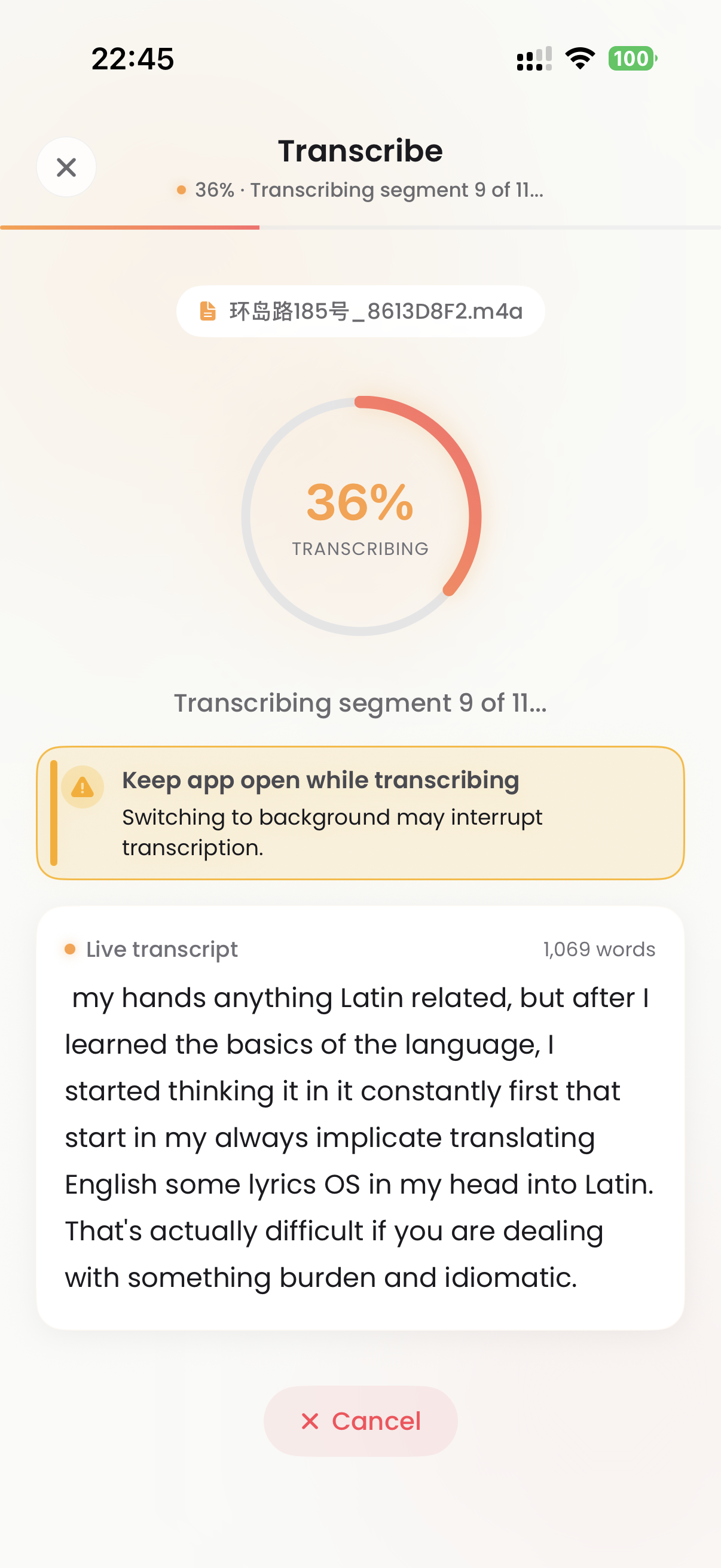
Transcribe app home screen showing live transcription, record and import options
4.8
App Store Rating
🌍
100+
Languages
Real-time
Live Transcription
🤖
AI-Powered
Smart Summaries

Everything you need
to capture every word

From live recording to AI-powered analysis — Transcribe gives you a complete toolkit to turn any audio into actionable text.

🎙️

Live Transcription

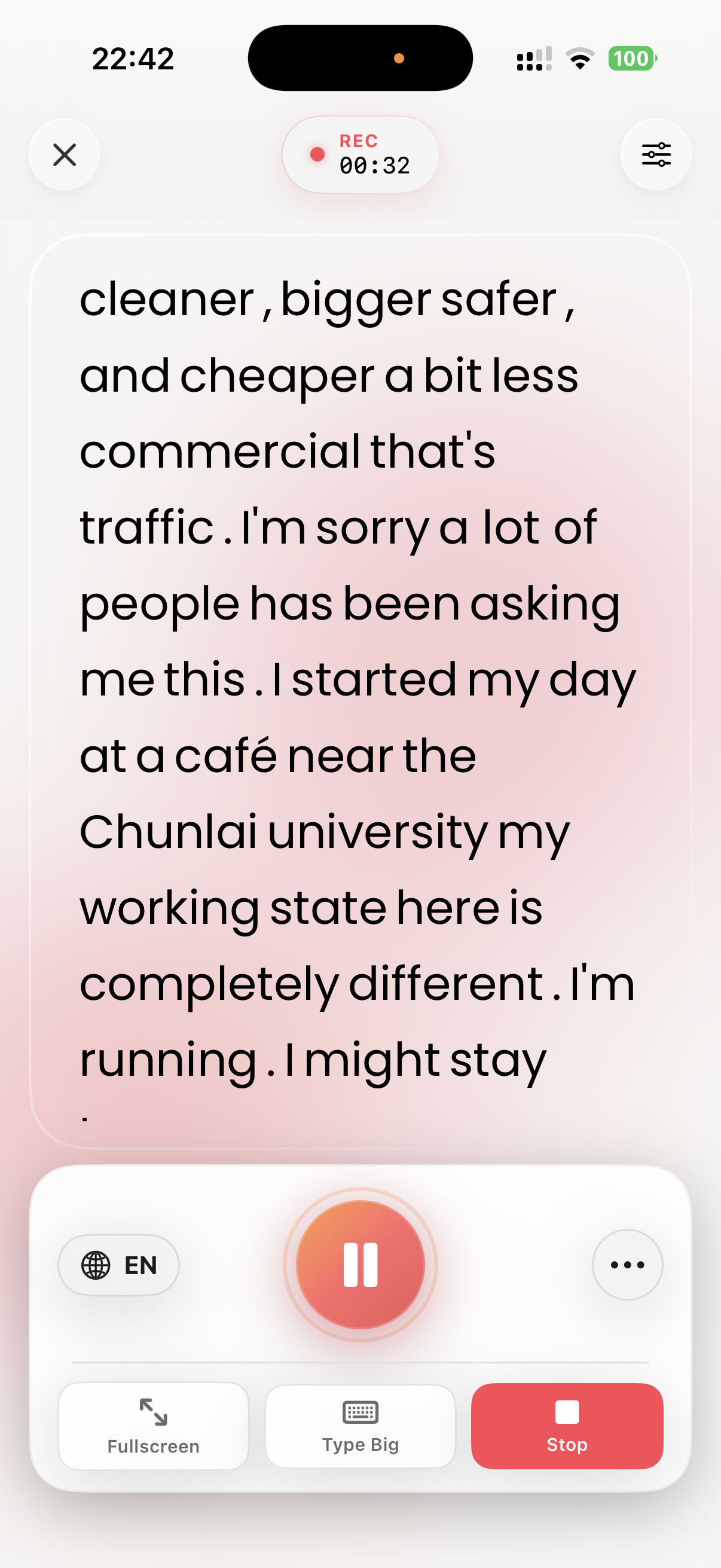
Start transcribing instantly with real-time speech-to-text. Watch words appear on screen as you speak, with a live waveform visualization.

📁

Audio & Video Import

Import any audio or video file from your library, Files app, or iCloud. Transcribe processes it automatically — no cloud upload required.

AI-Powered Tools

Generate smart summaries, extract key points, translate into other languages, and chat with your transcription — all powered by AI.

🌍

100+ Languages

Transcribe in English, Spanish, French, Japanese, Arabic, and over 100 other languages. Auto-detect mode picks the right language for you.

📄

Multi-Format Export

Share your transcription as TXT, PDF, DOCX, RTF, or JPG. Export directly to Files, AirDrop, email, or any app.

🔒

On-Device Processing

Powered by Apple's on-device speech recognition. Your voice data stays private on your iPhone — nothing is uploaded to the cloud.

A beautiful experience,
start to finish

Designed for iPhone with a clean, intuitive interface that stays out of your way.

Loved by thousands of users

From students and journalists to entrepreneurs and educators — see why Transcribe is their go-to voice app.

"

The live transcription is incredibly accurate. I use it every day in my lectures and it keeps up perfectly even with technical vocabulary. The AI summary at the end is a game-changer.

S
Sarah K.
Graduate Student · ★★★★★
"

As a journalist I interview people constantly. Transcribe handles hours of audio effortlessly. The DOCX export makes it so easy to paste directly into my articles — saves me so much time.

M
Michael R.
Journalist · ★★★★★
"

Best transcription app on the App Store, full stop. The multi-language support is excellent and the interface is so clean. Lifetime plan was a no-brainer purchase for me.

J
James T.
Entrepreneur · ★★★★★

Common questions

Transcribe uses Apple's built-in on-device speech recognition engine, which delivers excellent accuracy for most use cases. Accuracy depends on audio quality, background noise, and the language selected. Speaking clearly and reducing background noise will yield the best results.
Transcribe supports over 100 languages including English (US, UK, AU, CA), Spanish, French, German, Japanese, Chinese, Arabic, Korean, Portuguese, Italian, and many more. You can browse and search all available languages from the language selector in the app.
Transcribe uses Apple's on-device speech recognition, which works offline for most languages once the language model has been downloaded. An internet connection may be required for AI features (summaries, translations) and some newer language models.
You can import most standard audio and video formats including MP3, M4A, WAV, AAC, MP4, MOV, and more. Files can be imported from the Files app, iCloud Drive, or your iPhone's photo library.
Yes! After transcription is complete, you can tap on any segment to edit the text directly. This is useful for correcting mishears or adding punctuation before exporting.
You can cancel your subscription at any time through your iPhone's App Store settings. Go to Settings → [Your Name] → Subscriptions, find Transcribe, and tap Cancel. Your Pro access continues until the end of the current billing period.

Start capturing
every word.

Free to download. No sign-up required. Start transcribing in seconds.

Requires iOS 15.0 or later · Free with optional Pro upgrade